By selecting the menu item Settings in the File menu or the "Settings" element of the Navigation Pane you open the configuration form.
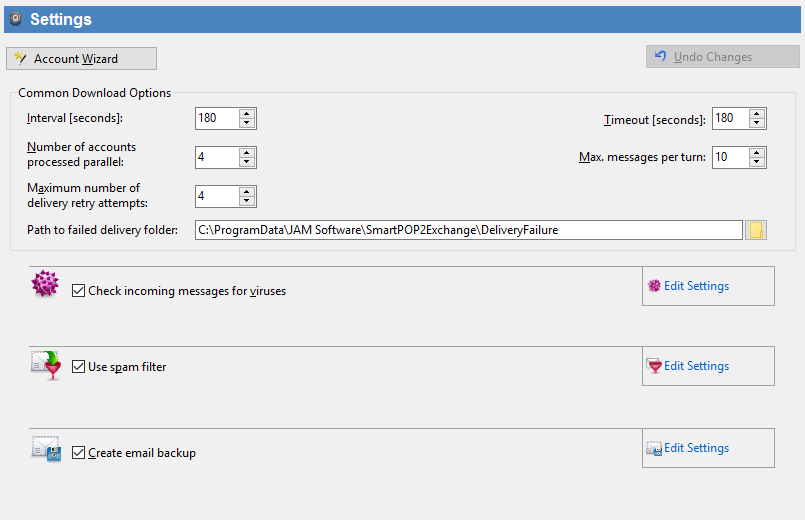
This form provides you not only with central options but a compact overview of the main functions of SmartPOP2Exchange and supplies a button for the Account Wizard that you can find in the context menu of the Navigation Pane as well.
The following settings may be applied:
Interval |
Sets the waiting period (in seconds) between two downloads. Valid values are numbers from 1 to 6400. |
Number of accounts processed in parallel |
Sets the number of accounts (POP3 and IMAP) which will be processed at the same time. |
Timeout |
This value (in seconds) determines how long SmartPOP2Exchange waits for a response of other servers (POP3, IMAP, SMTP). Valid values are numbers from 10 to 299. |
Number of accounts processed in parallel |
This field defines the number of accounts processed in parallel. You might want to decrease this number in order to save CPU capacity. If you have a high number of accounts you might want to increase the value. |

The Service toolbar (in the upper edge of the window) indicates the status of the download service and offers you the possibility to start, stop and restart it.
If you want to reset the configuration form press the Undo button.
 Please note that any changes you made will be applied only after pressing the 'Save settings' button.