


Stop Spam Emails
SpamAssassin for Windows is based on the project of the Apache Software Foundation (ASF) and has been ported for Windows by JAM Software. It is one of the most effective anti-spam solutions at all and uses a variety of mechanisms including text analysis, Bayesian filtering as well as DNS requests to stop known spam senders. Using a MTA (Message Transfer Agent) in combination with SpamAssassin for Windows it provides you a powerful spam detection solution that identifies unwanted emails in advance and rejects them.
The freeware runs on any current Windows operating system supported by Microsoft.
Visual Tour
Using SpamAssassin for Windows
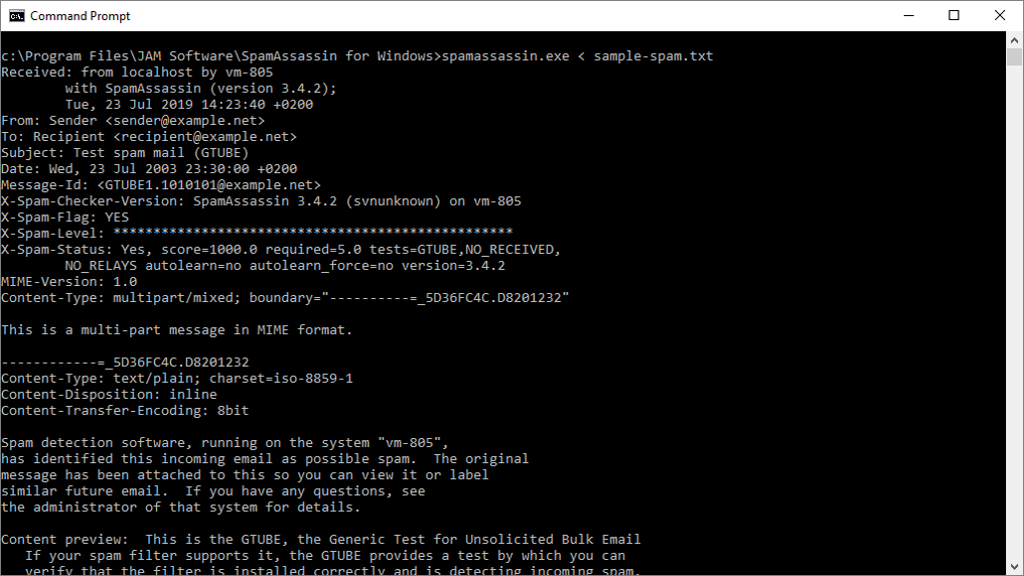
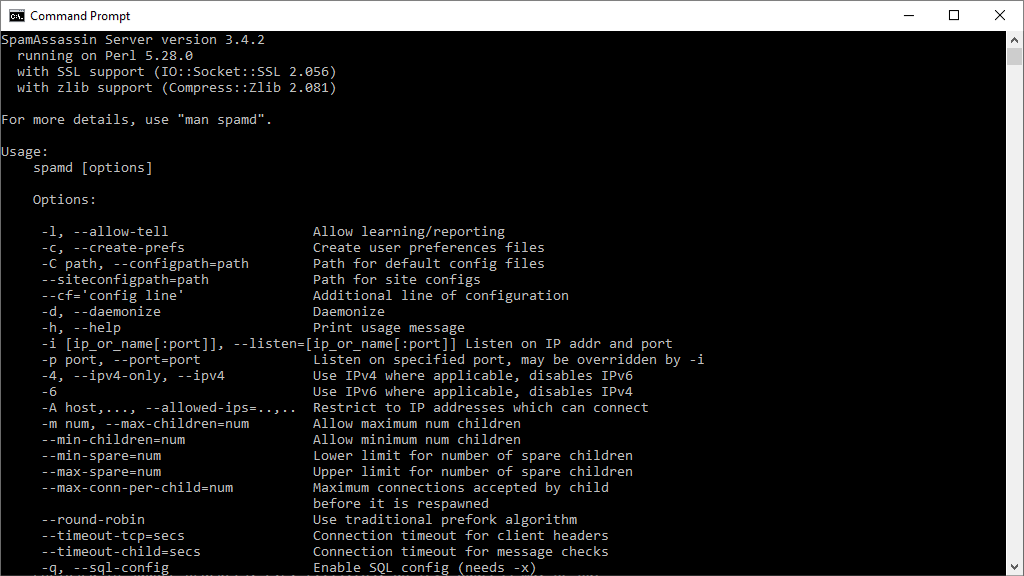
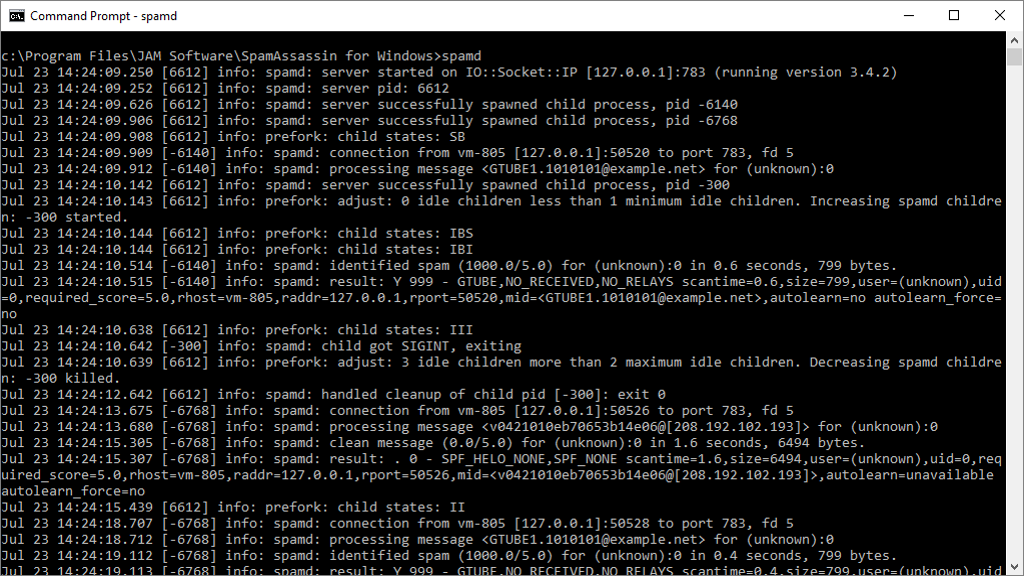
SpamAssassin for Windows is an application that can be contacted by other applications or services to evaluate emails and thus indicates a probability whether it is an unwanted email or not. You therefore need to have an additional mail-routing program that is capable of using and interpreting the results from SpamAssassin, running in accordance with all defined procedures.
References
Professional Use of SpamAssassin
For numerous additional features and comfortable use of SpamAssassin check our two other mail server and security solutions!

SpamAssassin in a Box
Service-Based Anti-Spam Solution for Windows
In addition to the famous email filter 'SpamAssassin', SpamAssassin in a Box also contains a Windows system service, making SpamAssassin controllable via the Windows Service Control Manager.

Exchange Server Toolbox
Powerful Plug-in for Microsoft Exchange Server
The Exchange Server Toolbox comes with a preconfigured SpamAssassin and offers additionally a proven antivirus protection, automatic email archiving and rules engine for your Exchange Server