


Your File Search For Instant Results
Are you looking for something? UltraSearch finds your files and documents - even as you type. Search by document content, file type or file properties, whether on the corporate network or on your home PC.
Get your valuable time back and let UltraSearch do it.
Download for free today!
What others say about UltraSearch
Editions & Pricing
UltraSearch Free offers all the basics for your file search. UltraSearch Professional brings strong file processing features and allows searching in the corporate network.

UltraSearch
Professional
|

Free
UltraSearch
Free
|
|
|---|---|---|
|
|
||
Ultra fast file search |
Yes
|
Yes
|
Use in corporate environments |
Yes
|
No
|
Search on Windows Server |
Yes
|
No
|
Search for date or file size |
Yes
|
No
|
Move, archive, delete or bulk rename multiple files |
Yes
|
No
|
Where UltraSearch helps
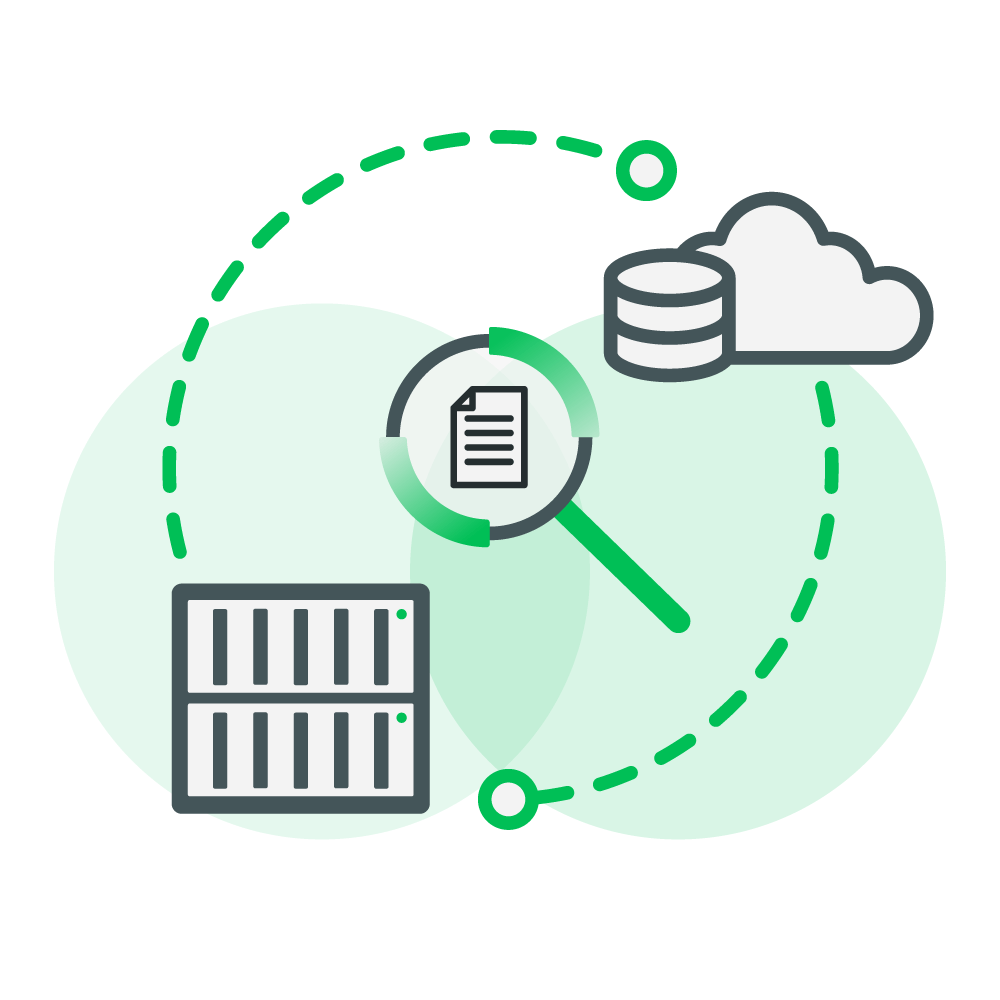
No matter on which drive: Find files in an instant!
Search for file names or their contents in seconds locally or on your company's network drive. UltraSearch does it way faster than the Windows file search!

Keep an eye on the right files: Use clever filters to narrow down by file size, creation date or file type, for example.
So you can continue working even faster.

Really save time with bulk actions! You can process found files in a bundle.
For example, rename, move or archive them according to your own rules.
All features at a glance
Ultra-fast and efficient file search

- Search on all local drives, attached network drives and synchronized cloud storage like SharePoint.
- Search for file content, for example in Word and PDF documents or source code.
- Search for common files such as Office, but also system files and files with custom file extensions.
Search Business Storages

- Simultaneously search local drives, network drives, USB sticks, SD cards and more.
- Search in Windows domains and on Windows servers.
Search as you need it

- Simple linking of search terms by 'AND' or 'OR'.
- Search syntax with wildcards and regular expressions.
- Keywords to search for file contents, file groups and file extensions.
- Save searches with all settings and reload them later.
Filter and narrow search

- Limiting the search to creation and modification dates of files.
- Set minimum and maximum file sizes.
- Easily exclude files, folders or file types with flexible exclusion filters.
Rename, move, delete files and more

- Rename multiple files and folders at once.
- Move files from different folders and drives at the same time.
- Clever replacement rules for existing files when moving or copying.
- Copying and moving files along with their file permissions.
- Passing the results as parameters to a program or script.
Export results as Excel, PDF and more

- Export results as Excel, PDF, HTML, text or CSV file.
- Copy all file names, file paths or the complete results list to the clipboard.
- Logging of file operations.
Frequently Asked Questions
Is UltraSearch free of charge?
Yes, UltraSearch in its Free Edition is completely free of charge and can be used for an unlimited period of time!
We offer you all functions of UltraSearch Professional for 30 days - free of charge, of course! After that, you can simply continue to use the Free-Edition.
If you miss functions after that, or you want to use UltraSearch in a company network, you should go back to the Professional-Edition.
Do I need to register to download UltraSearch?
No, not with us! Unlike many other providers, you don't have to register with us to download and use our tool.
Just click on "Free Download" and you're ready to go!
Can I also use UltraSearch in the company?
Yes, of course! UltraSearch is especially handy if you use our search tool in a corporate network, for example to search all your network drives at lightning speed.
For this you need the Professional edition, UltraSearch Free is not suitable for business use.
I only want the Free Edition, what do I have to do?
You don't have to do anything else! Just download UltraSearch for free. After 30 days of full functionality, you automatically revert to the Free Edition - no uninstall, no hassle!